

Surely you have heard about Tweetdeck and have wondered what it is. Well, this is the official tool of the Social Network Twitter to manage and monitor the activity of the accounts you connect to your Tweetdeck profile. But how does it work and how to use TweetDeck? It is available for PC and Mac.
What is TweetDeck?
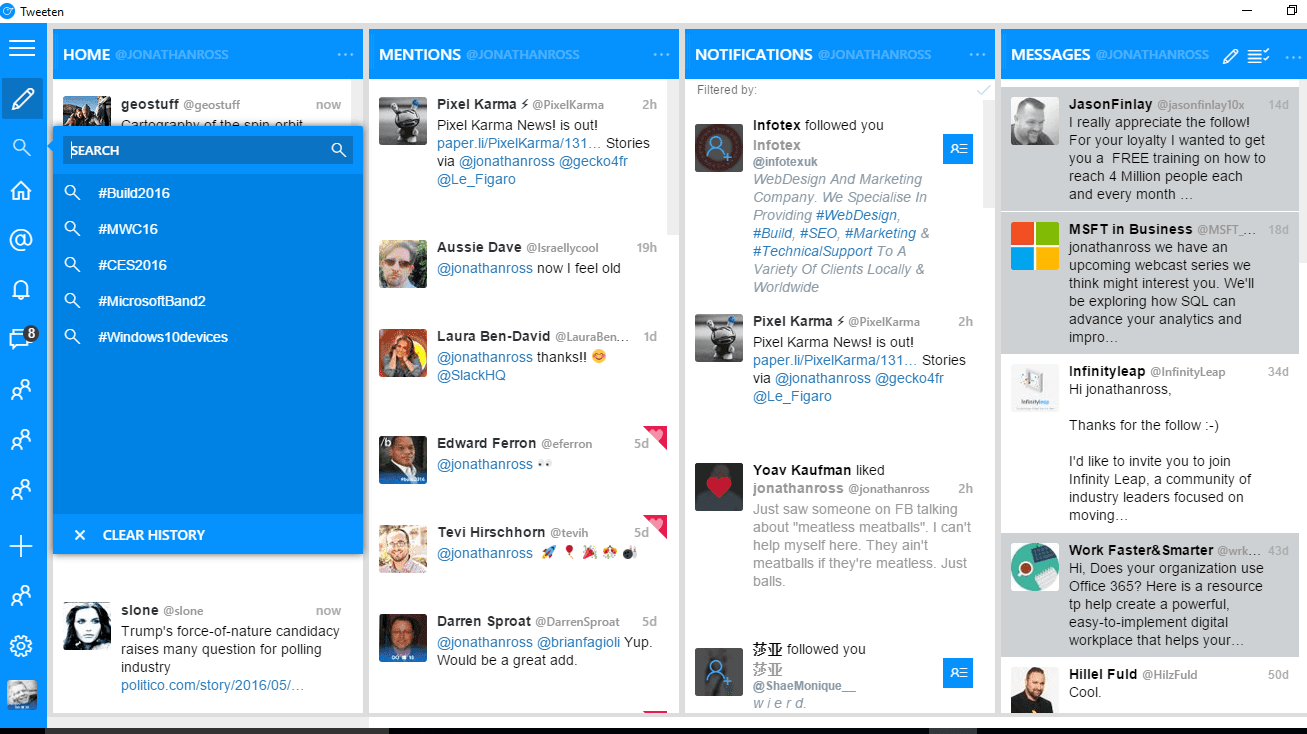
Tweetdeck is a platform that allows you to manage multiple Twitter accounts, to publish and program tweets, to know notifications, mentions or DM in the same interface. The big data strategy is increasing without limit. It is the indicated tool for those who manage several profiles and who need to minimize the response time in this channel.
How does Tweetdeck work?
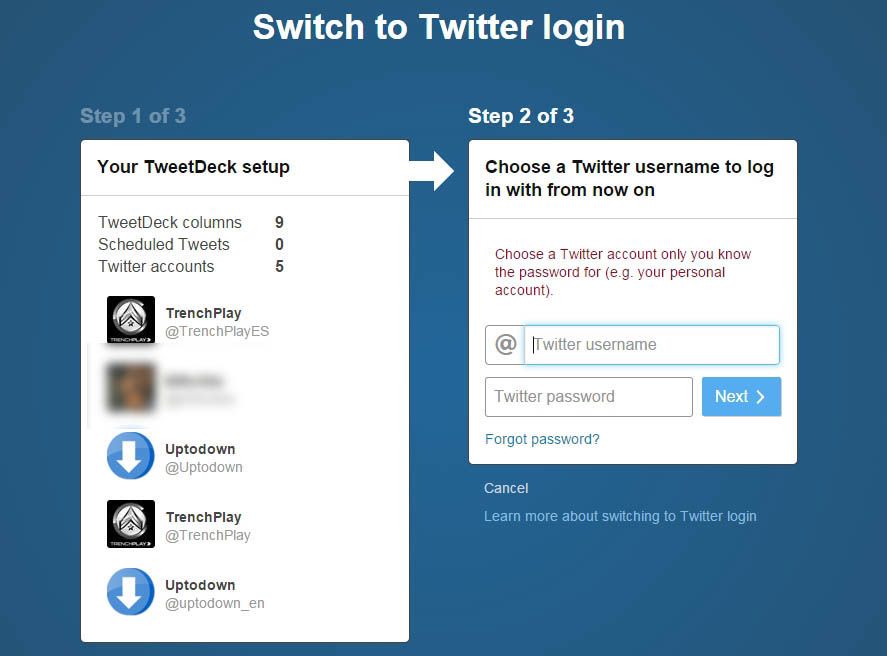
To start, you must link your Twitter profile and log in to the application with your usual username and password of the account. Once entered, the system will show you four default interaction columns: Home, Notifications, Messages, and Activity, which you can sort or delete according to your needs. Also, you can add others that you need to manage, such as DM.
Why use Tweetdeck?
Mainly because of the possibility it offers to respond and interact easily and immediately in more than one account, thanks to the global vision that delivers the data of interest in a single screen. Here you can also program content, defining the day and time of publication.

With TweetDeck, you can improve the performance of your digital channel; enhancing the interaction and relationship with your online community. It is an easy-to-use platform designed primarily to optimize the functions of the Community Manager. It will allow you to save time and follow news, keywords or hashtags.
Familiarize yourself
The first thing you have to do after entering and exploring the tool a little is to add the accounts you wish to monitor and manage in the “Accounts” section. In this way, you can centralize activities, mentions, timelines, etc. of all the accounts that you manage.
Third, it is advisable to start working directly with the columns. Ask yourself the following questions and start using the tool accordingly: What trends do you want to follow? What hashtag is important to monitor? Who has mentioned your brand?
How to use TweetDeck?
Each column will help you specifically to work on answering the questions. So that, create a content plan that is increasingly adjusted, aligned and precise with what the brand requires.
- Home: the Timeline of the accounts that will be handled in the tool. If you click on the Tweet in the three-point icon, a kind of menu will be displayed that presents you with specific actions that you can perform from the platform, such as adding the tweet to your collections, adding or removing from your lists, etc.
- Notifications: You can add columns to see the notifications of the accounts you have added.
- Search: Search bar connected to all Twitter.
- Lists: They can be public or private, in which you can add users that you want to follow and belong to the same category and you are interested in monitoring them. For example, if you have a kitchen brand and would like to create lists of chefs from different parts of the world to know what they are saying, it is an excellent tool.
- Collections: You can add tweets that you want to keep in mind or save.
- Activity: The most relevant activity according to the accounts that you add to this column.
- Likes: The likes you get.
- Messages: There you can manage the messages you have according to the accounts that are integrated.
- Mentions: The tweets in which you have been mentioned.
- Followers: The followers of different accounts.
- Trending or trends: The trends of the different locations of your accounts.
TweetDeck alternatives for Android and iOS

Unfortunately, TweetDeck is not available for Android and iOS smartphones. Many want to use multiple tweeter accounts as like as the desktop browser app. Take a look below and use the TweetDeck alternatives on your smartphone.
- UberSocial (Android)
- Seesmic (Android & iPhone)
- TweetCaster (Android)
- Fenix for Twitter (Android)
- eBuddy (Android & iPhone)
Finally, for what it’s worth! Start programming your content in the column on the left, placing from what profile you want to program it. At what time to publish it and if you want to add images. It is one of the most used functions. Because it helps the Social Networks teams to organize the content schedule and carry out the scheduled publications.
Finally,
Tweetdeck will allow you to manage your Twitter accounts efficiently, which you can use in favor of optimizing your content plan, improve interaction with your users and make the Twitter of the brand a pleasant and dynamic ecosystem; aligned with the nature of this Social Network.



Leave a Reply