
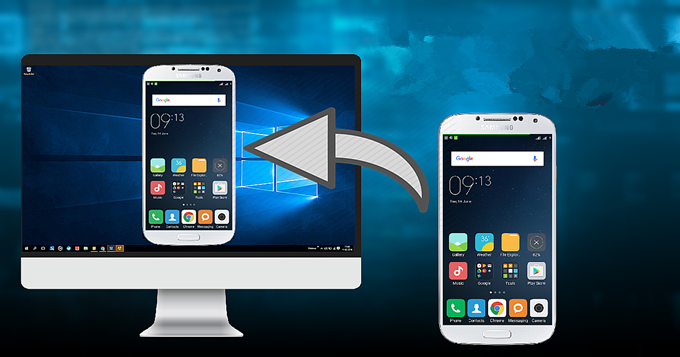
If you are one of the many users whose phone screen has been damaged and you have given up, because you have reached the right place, maybe you are walking, or eating. Or maybe you’re just trying to put your phone in your pants bag. You clash with someone, move your arm where you should not or do not fit with your position. The mobile falls to the ground and the screen breaks. And at that moment you ask yourself, How can I use my phone without using the touch screen? Maybe you ask yourself Can I use my phone if the screen is broken? Because from now on I tell you if you can. Thanks to Vysor, you can control phone from pc without using the touch screen.
How to control phone from pc?
- Set the phone so you can use Vysor. As mentioned above, these configurations must be made before the phone has any damage on the screen. It is not working completely or certain parts of it are not sensitive to touch.
- Go to Phone Settings and then activate Development Options.
- Now activate USB Debugging
- Now Connect your phone to your PC and in the notification area you can choose the connection mode. Select the Mode to Transfer Photos and your device will be ready for the future.
Set up the phone so you can use Vysor
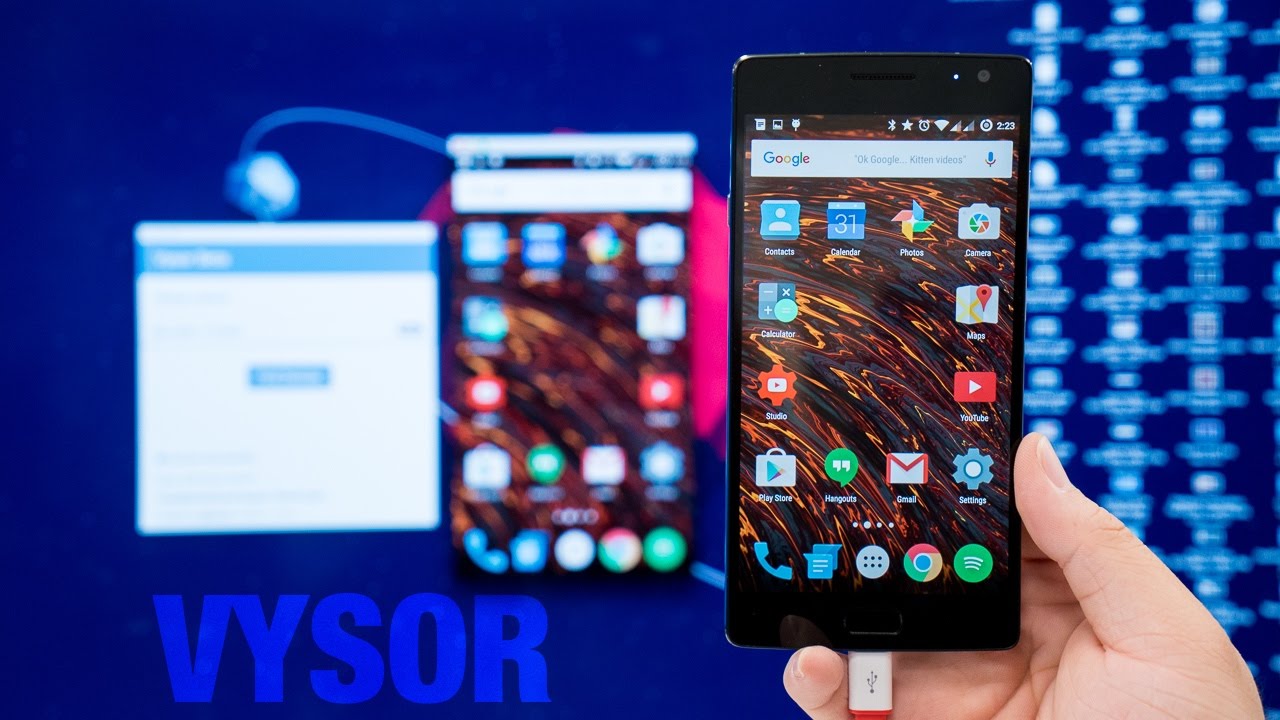
You just have to download Vysor in its corresponding version. Set it up, make it detect your phone and you’re ready for action. Vysor reflects what happens on your device and allows you to interact directly with your mouse and your keyboard. Therefore, you can do on your mobile everything you would normally do without any problem.
Vysor will help you control your smartphone from your PC, and to achieve this you only need two things: a USB cable and having Vysor installed. Maybe you wonder what is Vysor? Well, right now I’m telling you that Vysor is an application available for Chrome, Windows and Mac that allows you to mirror your phone, representing on your screen what you see on your smartphone. In this way, if you break the screen, you can use this program to save data, send your PC what you need and be able to have a backup of everything before changing your device.
Before going on, you should keep in mind that you must have your phone set up, before the screen stops working, so this method works to prevent any future incident, and have the guarantee that you can recover your files even when the screen your phone does not work, so once we say that, let’s start.
Something that must be taken into account is that there is a free version and a paid version. The Pro version has three modes of payment: $ 2.5 per month, $ 10 per year or a single lifetime payment of $ 40. It includes higher quality mirroring, the ability to do it without cables, activate a full screen mode or transfer files easily by dragging them to your mobile.


Leave a Reply