
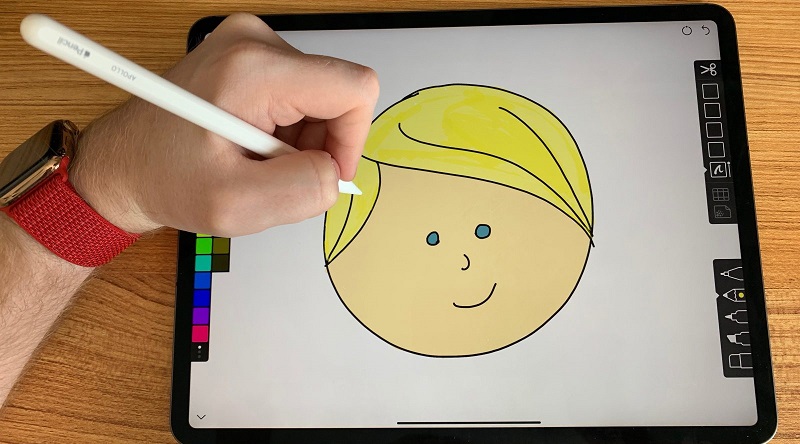
Although there are currently many applications for all types of devices, the truth is that not all of us can take full advantage of both our iPad and Apple Pencil. For this reason, we will talk about the best applications for iPad and the Apple Pencil to retouch photos and work with these two elements of the Apple brand.
Below, we will highlight some of the best application to deal with this issue.
Best applications for iPad and the Apple Pencil
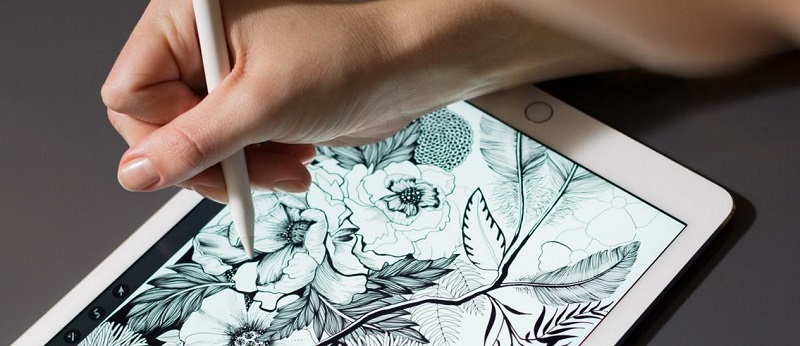
Sketch Line
This application is perfect to create sketches, make basic designs and even, make artistic drawings very successful. The great advantage of this application is that we must use both the iPad and the Apple Pencil.
It is a tool that can be used in many areas. It can be used by a professional designer or draftsman to create drawings or sketches as an architect to delimit the main lines of a building. This application is very simple and easy to use.
Pixelmator
With this application, we can retouch any image. It is a powerful photo editor that offers a wide range of options when working and improving images. This application allows you to use templates, filters, text and modify the image in an impressive way to create incredible images.
The most outstanding features of this kind of applications for iPad and the Apple Pencil are the possibility of correcting wrinkles and repairing scratches as well as the facility to eliminate and retouch objects in the composition of the image.
GoodNotes 4
This application offers great advantages, mainly for students. It works as if it were a blog of notes and we wrote with the pen, so we can write, draw, and do everything we want to take notes or make summaries.
In addition to writing, we can also add images and use different elements to make our notes more visual and dynamic.
Notability
This tool is very similar to the previous one since it is also perfect for students and works as if it were a notebook. With the use of this kind of applications for iPad and the Apple Pencil, we can take notes, creative draw ideas, create checklists, create PDF files, record presentations, or even send suggestions by sound file.
This application is somewhat more complete than the previous one but its purpose ends up being the same. Depending on the work to be done, we will need one or the other.
uMake
Although on a much smaller scale, this application is quite close to the level of AutoCAD, since it allows us to create sketches with a great result. This tool is used to draw an element in 2D to later give it three-dimensional volume. This application is perfect for designers and engineering professionals.
Those were the best applications for iPad and the Apple Pencil that I thought will help you to draw out some great creative artwork.




Leave a Reply