
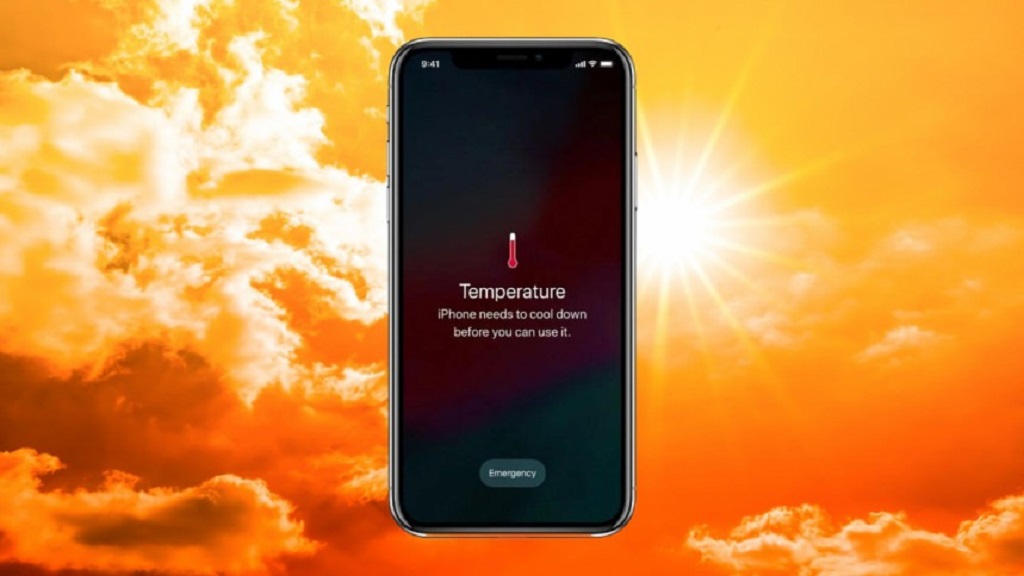
Your smartphone is a marvel of modern technology, capable of performing countless tasks. However, like any machine, it can overheat if not properly cared for. Overheating can lead to a variety of problems, including reduced battery life, sluggish performance, and even damage to your phone’s components.
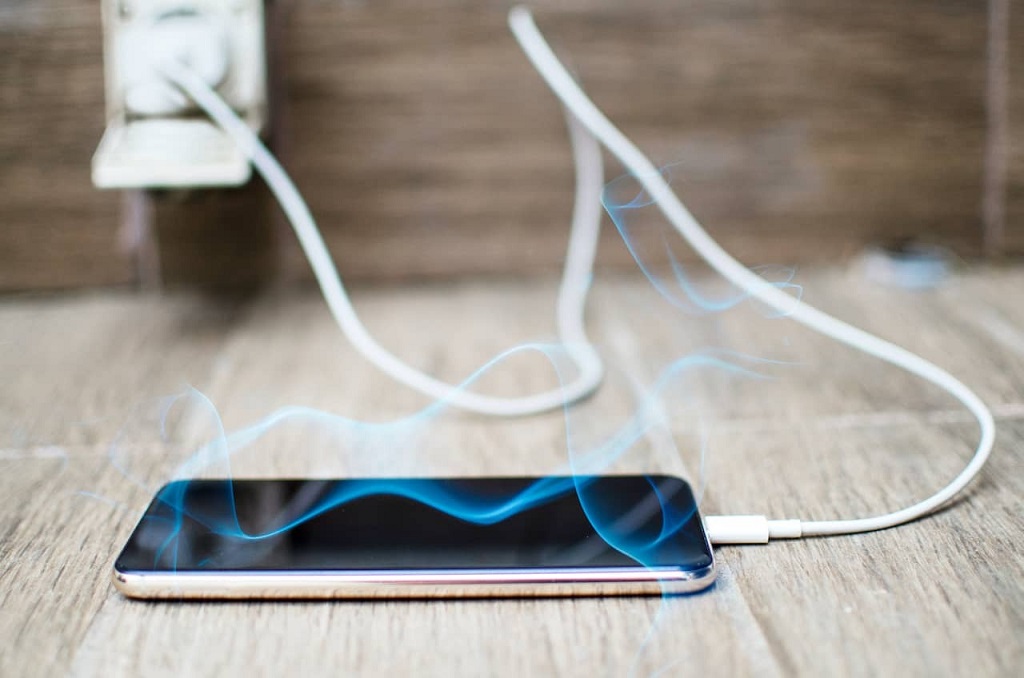
Understanding Phone Overheating
Before we dive into solutions, let’s understand why phones overheat. Here are the primary culprits:
- Intensive Tasks: Running demanding apps, playing graphics-intensive games, or downloading large files can strain your phone’s processor and cause it to heat up.
- Poor Ventilation: If your phone is covered in a thick case or placed in a confined space, it may have difficulty dissipating heat.
- Charging While Using: Charging your phone while using it can generate additional heat, especially if you’re using a fast charger.
- Outdated Software: Outdated software may contain bugs that can cause your phone to overheat.
- Hardware Issues: In rare cases, a faulty component within your phone can lead to overheating.
Read More Also: The Role of Technology in Modern Events
Preventing Phone Overheating
Now that you know the causes, let’s explore effective ways to keep your phone cool:
- Close Unused Apps: Background apps can consume resources and contribute to overheating. Close any apps you’re not actively using.
- Adjust Brightness and Volume: Lowering the screen brightness and volume can reduce the strain on your phone’s hardware.
- Use Airplane Mode: When you’re not using cellular data or Wi-Fi, activate Airplane Mode to conserve battery and prevent unnecessary heat generation.
- Avoid Direct Sunlight: Exposing your phone to direct sunlight can cause it to heat up quickly. Keep it in the shade or use a phone case with built-in cooling technology.
- Charge Properly: Avoid charging your phone while it’s in direct sunlight or while using it intensively. Use a high-quality charging cable and adapter to prevent overheating.
- Keep it Clean: Dust and dirt can interfere with your phone’s cooling system. Clean your phone regularly with a soft, dry cloth.
- Update Software: Regularly update your phone’s operating system and apps to ensure optimal performance and bug fixes.
- Consider a Cooling Case: If you’re a heavy user or often find your phone overheating, invest in a cooling case designed to dissipate heat.
- Take Breaks: Give your phone a break from intensive tasks every now and then to allow it to cool down.
- Monitor Battery Health: If your battery is nearing the end of its life, it may be contributing to overheating. Consider replacing it.
Signs of Overheating
It’s important to be aware of the signs of an overheating phone:
- Excessive Heat: If your phone feels unusually hot to the touch, it’s likely overheating.
- Sluggish Performance: Apps may take longer to load, and the phone may become unresponsive.
- Battery Drain: Overheating can cause your battery to drain more quickly than usual.
- Automatic Shutdowns: In extreme cases, your phone may automatically shut down to prevent damage.
Conclusion
By following these tips, you can significantly reduce the risk of your phone overheating and prolong its lifespan. Remember, prevention is key. Pay attention to your phone’s behavior and take proactive steps to keep it cool.


Leave a Reply