
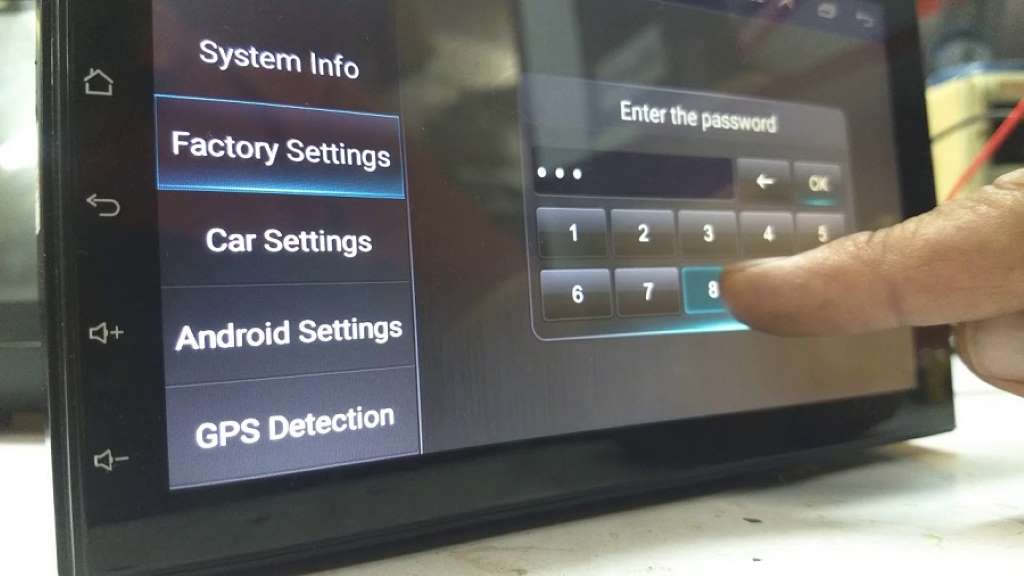
Eonon car radios are popular for their features and affordability, but accessing their factory settings can sometimes be a puzzle. Many users find themselves locked out, unsure of the default password or how to reset it. This guide aims to shed light on this common issue, providing solutions and insights for Eonon radio owners.
Understanding Factory Settings
Factory settings are the original configuration parameters of your Eonon radio. Accessing them allows you to customize various aspects, such as sound equalization, display options, and more. It can also be essential for troubleshooting and resetting your device to its original state. Car leasing is another consideration when it comes to installing and maintaining car audio systems.
Why Passwords Exist
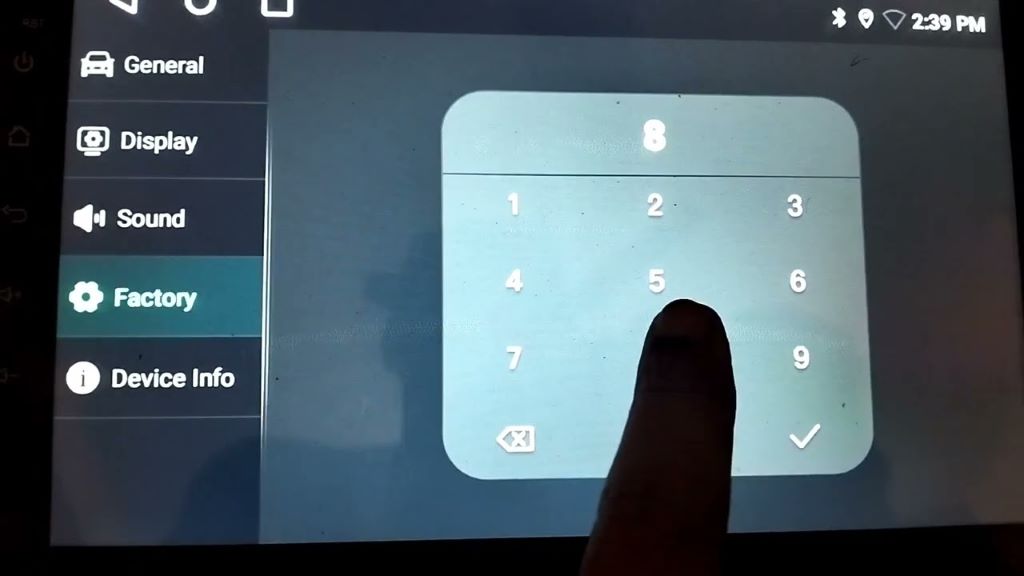
Passwords protect factory settings from accidental changes that could disrupt the radio’s functionality. While this is a security measure, it often leads to frustration when users forget the default password or don’t have it documented.
Common Eonon Factory Settings Passwords
Eonon doesn’t have a universal factory settings password for all their models. Instead, they use a range of common codes. Here are some of the most frequently encountered ones:
- 123456: This is the most common password across various Eonon models.
- 126: A shorter, but frequently used, code.
- 8888: Another popular four-digit password.
- 7788: Less common, but worth trying if others fail.
- 0000: A simple default code used in some cases.
If these codes don’t work, it’s worth consulting the manual that came with your specific Eonon model. It might list the correct password or provide instructions on how to reset it.
Other Methods to Find Your Password
- Online Resources:
- Eonon Facebook Page: Some users have reported success contacting Eonon directly through their Facebook page for the correct password.
- Online Forums: Search for your specific Eonon model on forums like XDA Developers. Other users may have shared their experiences and solutions.
- Resetting to Factory Defaults: Some Eonon models have a reset button or a specific key combination to restore factory settings. Consult your manual for instructions.
Important Considerations
- Write it Down: Once you find the correct password, make sure to write it down and store it in a safe place for future reference.
- Caution: Be careful when adjusting factory settings. Incorrect changes can cause your radio to malfunction.
Troubleshooting Tips
If none of the above methods work, there are a few additional steps you can try:
- Update Firmware: Ensure your Eonon radio has the latest firmware. Sometimes, updates can resolve password issues.
- Contact Eonon Support: If all else fails, contact Eonon’s customer support. They should be able to provide you with the correct password or guide you through a reset process.
Beyond Passwords: Maximizing Your Eonon Radio
Once you’ve accessed the factory settings, consider exploring the various customization options to tailor your radio to your preferences. From sound adjustments to display themes, you can personalize your Eonon radio experience.
Conclusion
Eonon radio factory settings passwords can be a source of frustration, but with the right information and resources, you can regain access and unlock the full potential of your car audio system. Remember to proceed with caution when adjusting settings, and don’t hesitate to seek help from Eonon or online communities if needed.
I hope this comprehensive guide helps you navigate the world of Eonon factory settings passwords!


Leave a Reply