
Office 2019- The launch of a new Office is an event in many offices around the world. After all, countless users work every day with such popular tools as Word. Excel and PowerPoint, to the point that they have come to create specific communities around these applications in order to document little-known functions. And learn how to get them out the maximum match.
The new Office 2019, precisely, focuses on that. In effectiveness. The most popular office suite is renewed after several years without major changes, introducing significant improvements in productivity. The idea is that we can work more comfortably, more quickly. And in a more intuitive way. And how will he get it? Then we show you some of its novelties.
Office 2019 focus more on the new concentration mode
The Windows 10 spring update introduced something called a concentration wizard. The essence of this feature is now adapted to Office so that our eyes can focus on the work that we have in hand and only on it. Introduced in Word and Outlook, it essentially centers our vision on the document. And eliminates the rest of the screen by putting it in black.
The focused mode, as Microsoft calls it, has been designed to maximize our concentration when reading documents to find errata more easily, letting the text. And images of the file in question acquire all the prominence. If the mouse moves. The interface will appear to make the appropriate modifications.
Other changes introduced in Word include the possibility of customizing the interface to always have at hand the most used functions. As well as a practical translator that will avoid having to open the Internet browser to consult our doubts.
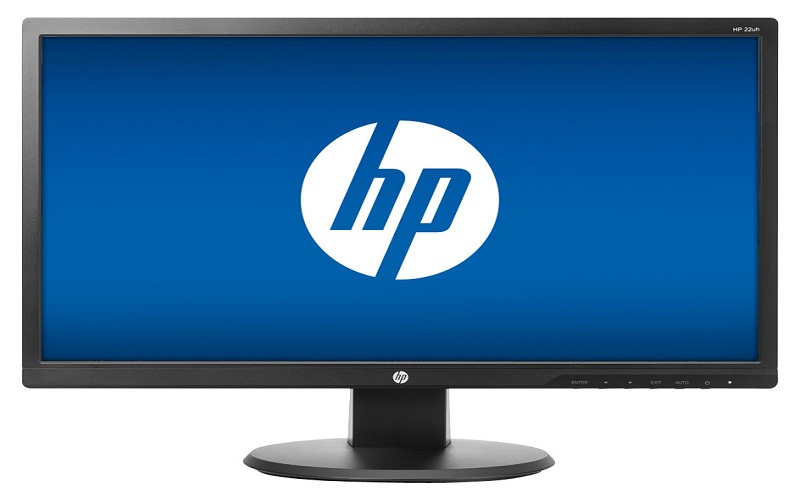
Due to its characteristics, the focused mode will be especially interesting for all those people who spend long hours editing dense. And complex texts in Word. But especially if monitors of considerable size are used like the HP 27er. That with its 27 inches offers more than enough space to work with the neater documents.
27-inch HP 27er monitor
It is difficult to improve Excel. Very difficult. Ultimately, this veteran spreadsheet is basically an all-terrain calculator that incorporates all the features that any company needs. But incredible as it seems there were still aspects to be polished. For example, it did not have funnel graphs or 2D maps , two features that are now introduced into the application.
In addition, Excel for Office 2019 incorporates new functions taken directly from the Office 365 service. Specifically, it is now possible to use CONCAT, TEXTJOIN, IFS and SWITCH. The first two are used to combine text strings. While the latter improve the conditional system to add more granularity, avoiding the use of several IFs.
The 4K comes to PowerPoint
The star of the presentations, meanwhile, is one of the applications that register more changes with the arrival of Office 2019. PowerPoint introduces, among other improvements, a new function of smoother transition and at the same time spectacular (transformation). While it gains compatibility with options of insertion and administration of icons, images in SVG format and … 3D models!
Also, given the growing importance of video in today’s presentations, PowerPoint has also become compatible with the 4K format . This will allow the introduction of crystalline sequences without the need for scaling. Or loss of quality using the latest generation screens.
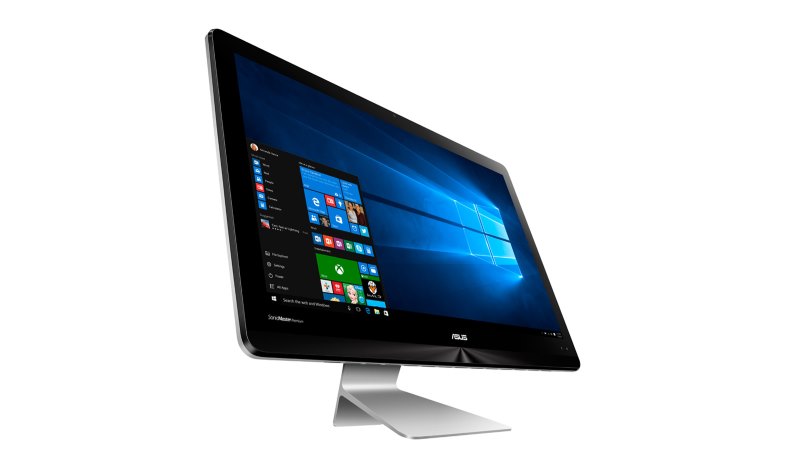
Of course, presentations with elements as powerful as 3D and 4K video will require more processing power. Equipment such as the Asus ZN220ICGK-RA012T offer the necessary performance to move this type of content without problems at a reasonable price. All with a generous storage capacity so as not to fall short at the worst moment.
Computer All-in-One Asus ZN220ICGK-RA012T
In addition, and with the introduction of the autumn update of Windows 10. Office 2019 will gain new features in relation to the use of digital pens. For example, any computer compatible with Windows Ink, such as Surface Pro and Surface Book. Which can be used as if it were a tablet to take notes, will allow you to enter handwritten text and it will be formatted perfectly in digital.
In this way, it will not be necessary to mark line breaks, select colors or choose the size of the font. If you are using a Windows 10 device with Windows Ink in tablet mode. You will not have to display the virtual keyboard. Or connect a physical keyboard to enter text. And of course, it will not be necessary to use the mouse to format it later. This will greatly simplify productivity in all types of equipment, not just conventional laptops and desktops.
Microsoft Surface Pro

Finally, and although it is one more functionality of the pencil, we wanted to separate this new feature. Because we know that there are millions and millions of PowerPoint addicts. And thanks to Office 2019, owners of a Surface pencil can use the button as if it were a remote control for presentations.
The operation is simple. Just click to go slide and hold it to reverse. That easy. You will never go crazy looking for the command for the presentations. And if you do not have a Surface, this feature is also compatible with Wacom Bamboo Ink pencils.
Surface pen pencil
All these features will join others such as the tagging of people through “@”. And the improvement of contact cards in Outlook and the complete redesign of OneNote are part of Office 2019. Or will be introduced in the next few days with the autumn update of Windows 10. And you will not need to pay subscriptions. You only have to pay once.
Unlike Office 365, which works by following a subscription model, Office 2019 follows the classic office suite formula with a permanent license. It is bought as if it were any other program and you do not have to worry about renewing it. This is therefore an ideal option for micro enterprises and families. Since they do not require a cycle of constant updates or handle a large number of licenses or equipment.
Microsoft Office Home & Business 2019 (Windows and Mac)

The Office & Enterprise version of Office 2019 provides a perpetual license for a user on a single computer. And incorporates all the applications of Microsoft’s office suite, including Word, Excel, PowerPoint, One Note. And Outlook , but is intended for exploitation as a tool of work. Its price is 299 dollars.
The Home & Students version of Office 2019 offers the functions and features of the Home & Company package. But excludes the Outlook organization tool and does not have an operating license, which makes it more economical. It costs 149 dollars.




Leave a Reply